AIWebCam
Professional live face replacement for video calls, streams, messengers, and short video recording, including messenger video circles. AIWebCam works as a Windows virtual camera and sends the processed stream to the apps you already use.
 Zoom
Zoom
 WhatsApp
 Telegram
 Google Meet
 Yandex Telemost
 Viber
Viber
 Facebook Messenger
 WeChat
 Signal
 Discord
 Microsoft Teams
AIWebCam is built for scenarios where realistic video, low latency, and privacy protection matter. The system protects the face when hands or fingers touch it, and in thin-client mode it hides the original face if the connection to the server is lost. The server side can run on a dedicated GPU workstation while users connect from other devices as thin clients and work simultaneously, each with their own avatar and AI model settings.
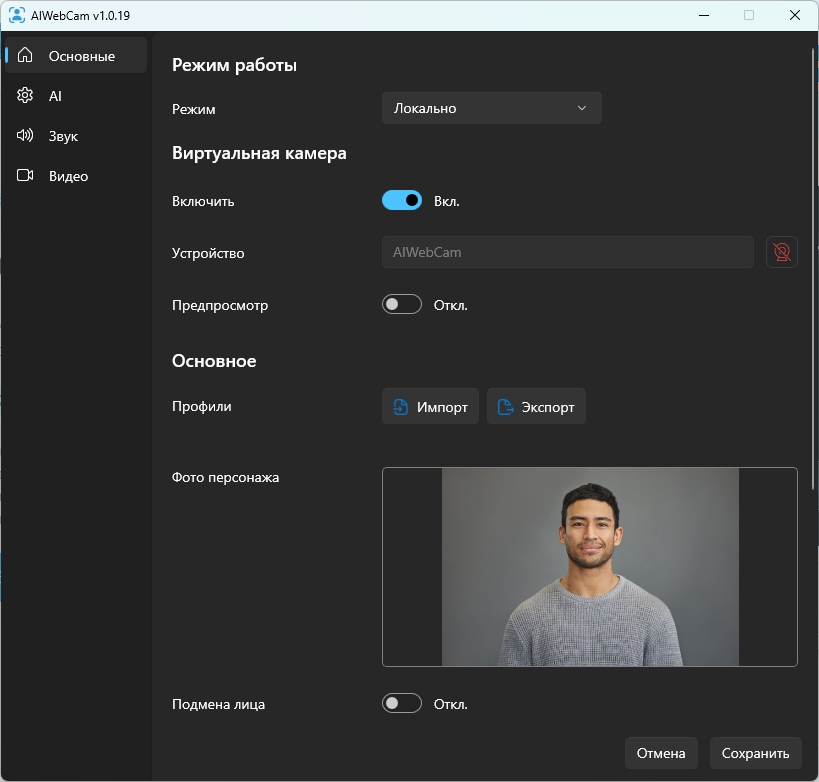
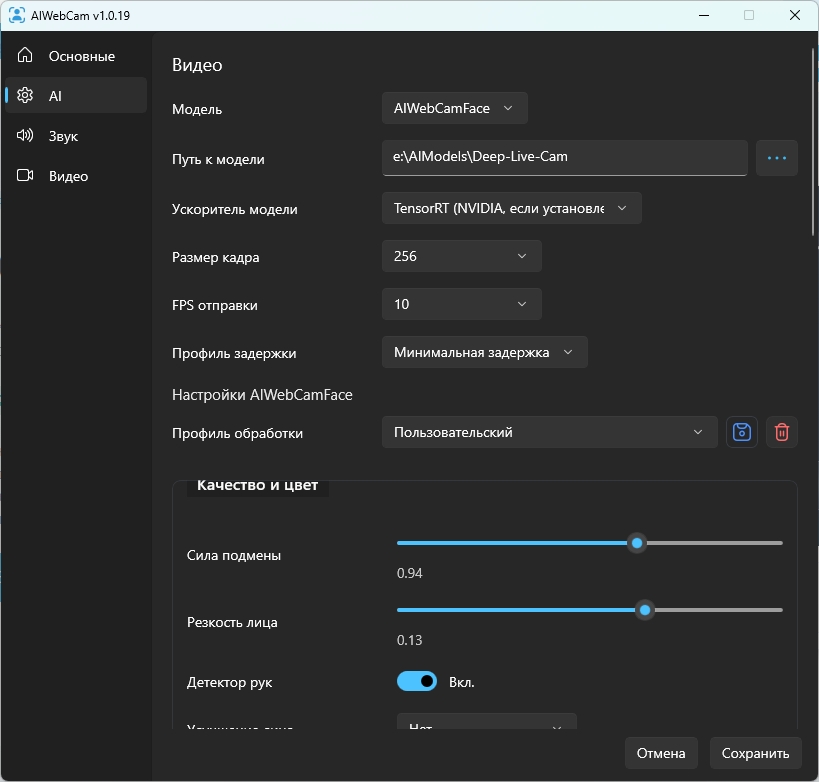
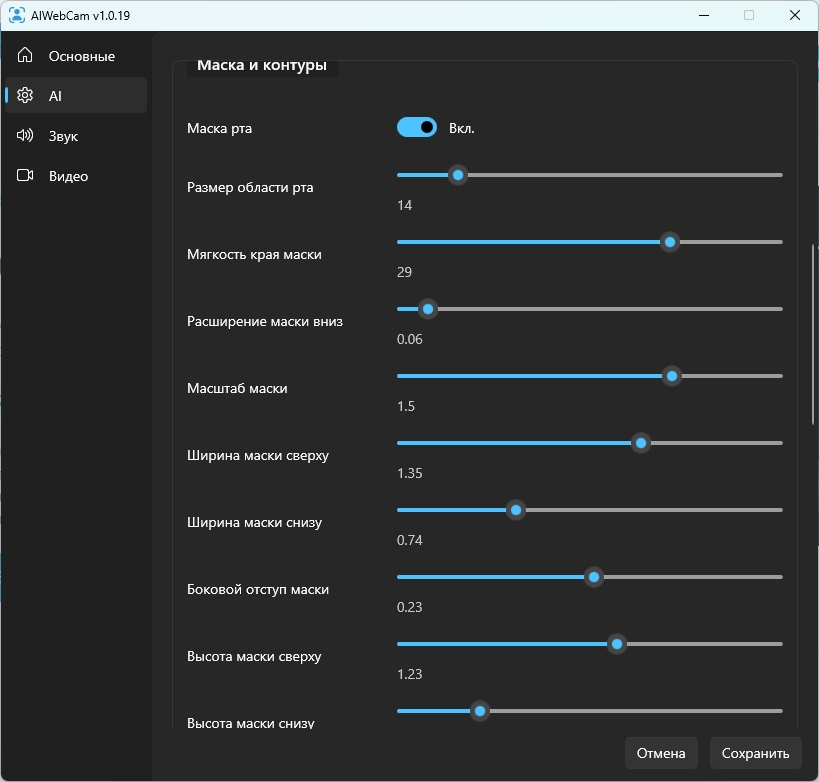
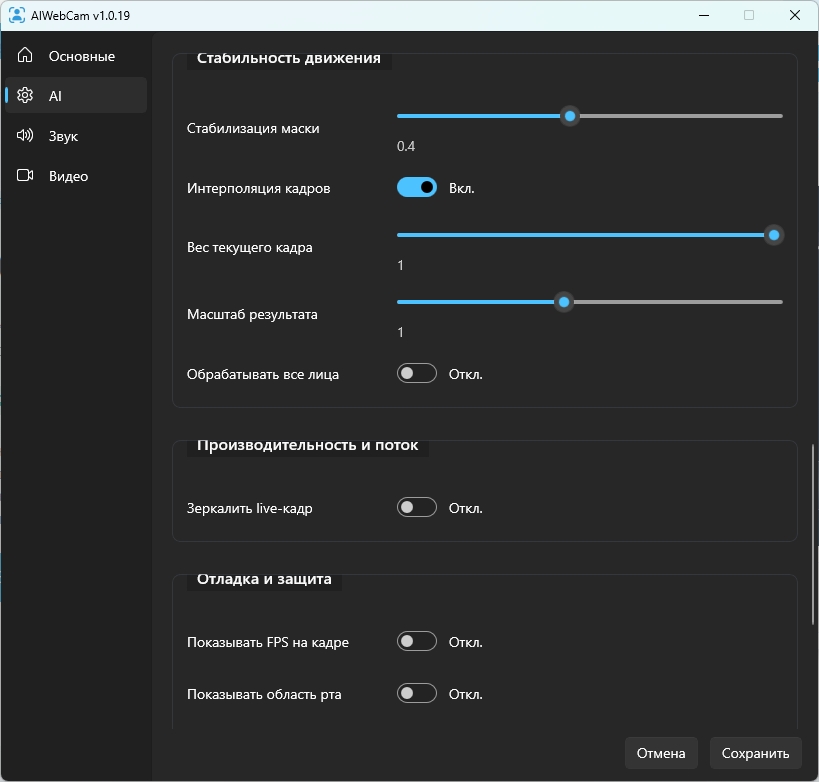
AIWebCam features
AIWebCam helps you use a selected visual identity in live video without making the workflow complicated. It works for calls, streams, short video recording, and privacy-sensitive scenarios. Core settings can be adjusted while the app is running, and processing can run either on one PC or through a dedicated GPU server.
Face replacement in video apps
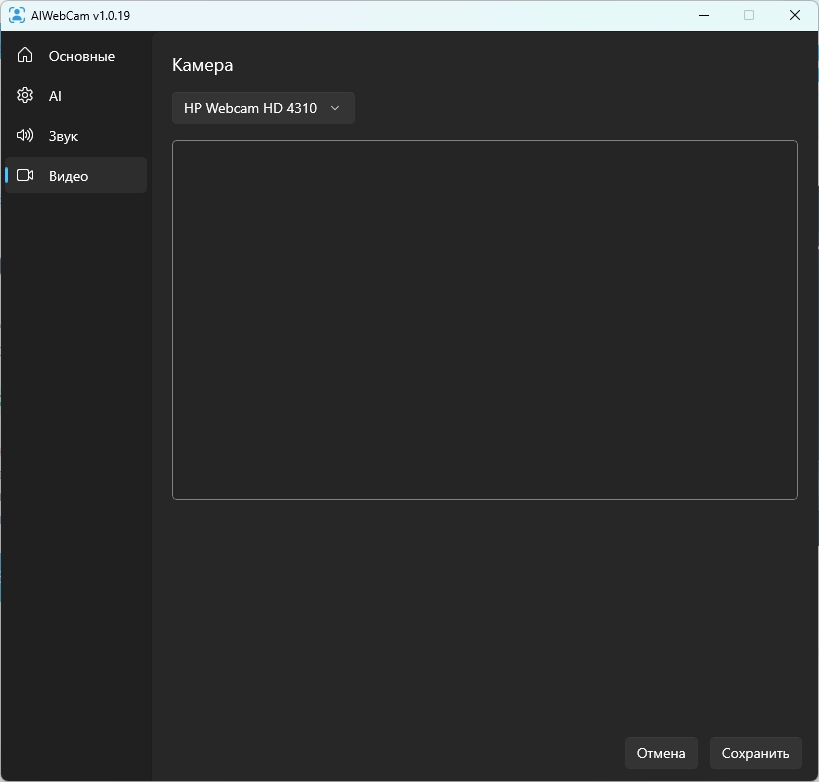
The app creates a Windows virtual camera. Select it in Zoom, Telegram, WhatsApp, Google Meet, Discord, OBS, or another app and it receives the already processed video stream.
A more natural live image
The system adapts the face mask to head movement, lighting, and the selected avatar. The goal is not to paste a face on top, but to keep the image natural during regular conversation.
Hands can touch the face
When a user covers the mouth, touches the nose, or moves a hand in front of the face, the app tries to keep the real hand visible while holding the face replacement underneath it.
Original-face protection
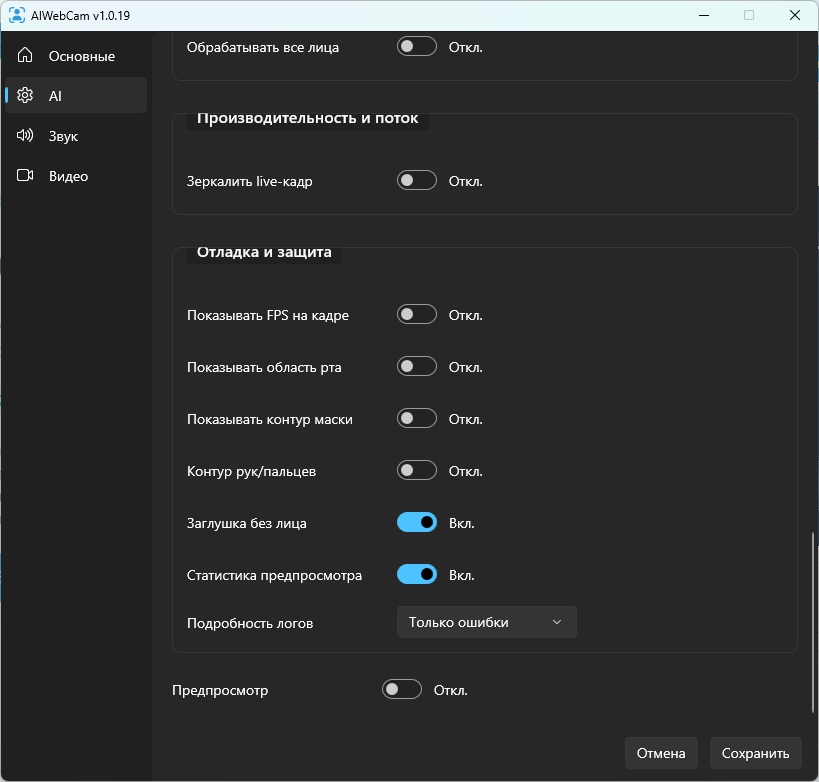
If face tracking is lost, the frame becomes unstable, or a client connection drops, the app should not expose the raw camera image. It keeps a safe frame or shows a protective placeholder.
Private processing on your hardware
Video is processed on the user computer or on the user-owned GPU server. We do not receive the video stream, avatars, or working data while the software is being used.
Profiles for avatars and settings
Create a separate profile for each identity: avatar photo, AI model settings, quality, replacement strength, and mask parameters. It can be enabled before a call or moved to another machine with the required configuration.
Several AI processing options
The product is designed to support different processing models and modes. This lets the project improve quality, speed, and specific scenarios without being locked to a single model.
Flexible operating modes
AIWebCam can run on one machine where camera capture, AI processing, and virtual camera output all work locally. The same GPU machine can also work as a processing server, while other devices connect as thin clients: they send camera video to the server and receive the ready processed stream back.
Android client
The mobile client uses the phone camera and microphone as a source for AIWebCam Server. The user sees the processed preview, connects to server-side processing, and controls allowed settings from the mobile device.
AI voice replacement
AI voice replacement adds audio processing to the visual identity. The voice adapts to the selected character so calls, streams, and recordings can use one consistent video and voice persona.
Avatar mode
Avatar mode changes not only the face, but the full character. It is designed for virtual personas, content workflows, and scenarios where the complete appearance needs to be replaced.
Multiple clients on one server
One server can handle several connections. Each user works with their own avatar and AI model settings while the heavy processing stays on the GPU machine.
Replacement examples
Short recordings demonstrate live replacement, mask stability, and virtual camera behavior during real movement.
Hardware requirements
In local mode, AIWebCam runs on one computer: the camera is connected to it, the GPU is installed in it, and the stream or video call starts from that same machine. In server mode, the GPU is installed on the server machine while the camera is on the client device: the client sends video to the server and receives the processed stream back. In client mode, the client device does not need high performance because all AI processing runs on the GPU server. The more powerful the server or local PC graphics card, the more stable the quality and the more simultaneous users it can handle.
GPU
NVIDIA RTX 3090 or higher. RTX 4090 is recommended for maximum quality.
RAM
16 GB RAM minimum. 32 GB is recommended for comfortable operation.
System
Windows 10+ with current NVIDIA drivers and a stable camera.
Lighting
Even lighting and a good camera significantly improve mask stability.
Subscription price
AIWebCam is distributed by subscription and bound to the user computer.
Basic
from
2500
 USDT
USDT
per month
The final price depends on the number of connected clients and selected software features.
FAQ
Key installation and operation terms for AIWebCam.
Partner Program
Invite customers and earn a reward after each paid license is confirmed. Your dashboard includes a referral link, accruals, and traffic statistics.
Traffic channel tracking
Add UTM tags for Telegram, advertising, email, and other sources. The system shows visits, requests, and purchases for every channel.
30-day customer attribution
The first partner visit is stored for 30 days and is not replaced by another referral link before it expires.

Have questions?
Message us on Telegram. We will explain AIWebCam features, help you choose the right setup, and answer questions about installation, licensing, and connectivity.